together ui + interactions
As part of my internship at World Wide Technology (WWT), I was assigned to a group where we were tasked with implementing a solution for a current customer and/or WWT business challenge. The goal of this project was to give us the opportunity to apply our skills and knowledge to a real-world problem.
MY ROLE
UI Design
Interactions
TOOLS USED
Figma
TIMELINE
3 Months
TEAM
Together
the problem
With nearly 50% of employees going remote, the challenges presented for this are that remote workers often have to use multiple communication applications. This can be difficult to manage, and it can lead to problems such as missed messages and delayed communication.
Slow internet connections can make it difficult to participate in video conferences, upload and download files, and use other applications that require a lot of bandwidth. I wanted to mitigate the challenge of having to use multiple communication applications and implement a unified communications platform.
the solution
As more and more people work and socialize online, it is becoming increasingly important to find ways to build and maintain relationships in virtual environments. Additionally, it is important to make sure that everyone, regardless of their abilities, can use the Together app.
By addressing the challenges that remote workers face, I wanted to help to create a more positive and productive remote work experience.
LIGHT MODE AND DARK MODE
The Together app is designed to be accessible to everyone, including people with visual impairments. One way to improve accessibility is to provide users with the option to choose a higher contrast setting and adhere to WCAG 2.0 guidelines.
Another aspect to consider was what color should be used for dark mode. Using a pure black would be too much of a contrast in most instances and would negate the purpose of wanting to create less eye strain for end users. Surfaces that are dark grey or dark navy are the most common UI implementations within several platforms such Facebook, Instagram, Twitter and Reddit.
Finally, it's important to make sure that the primary action buttons, badges, or hover states have a high enough contrast ratio. This helped to ensure that these elements are easy to see and interact with, even in dark mode.
LAYOUT
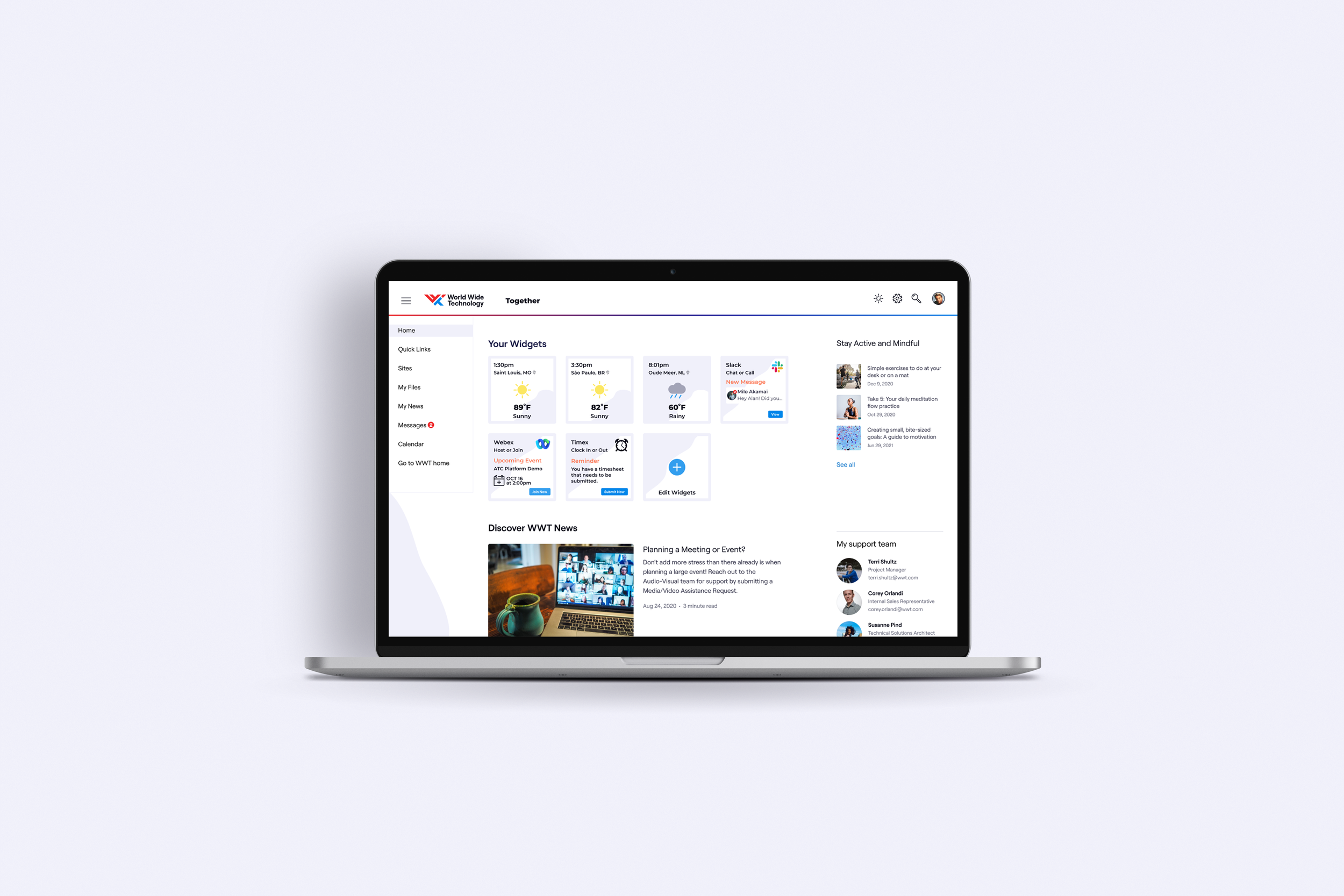
Widget notifications for communications app
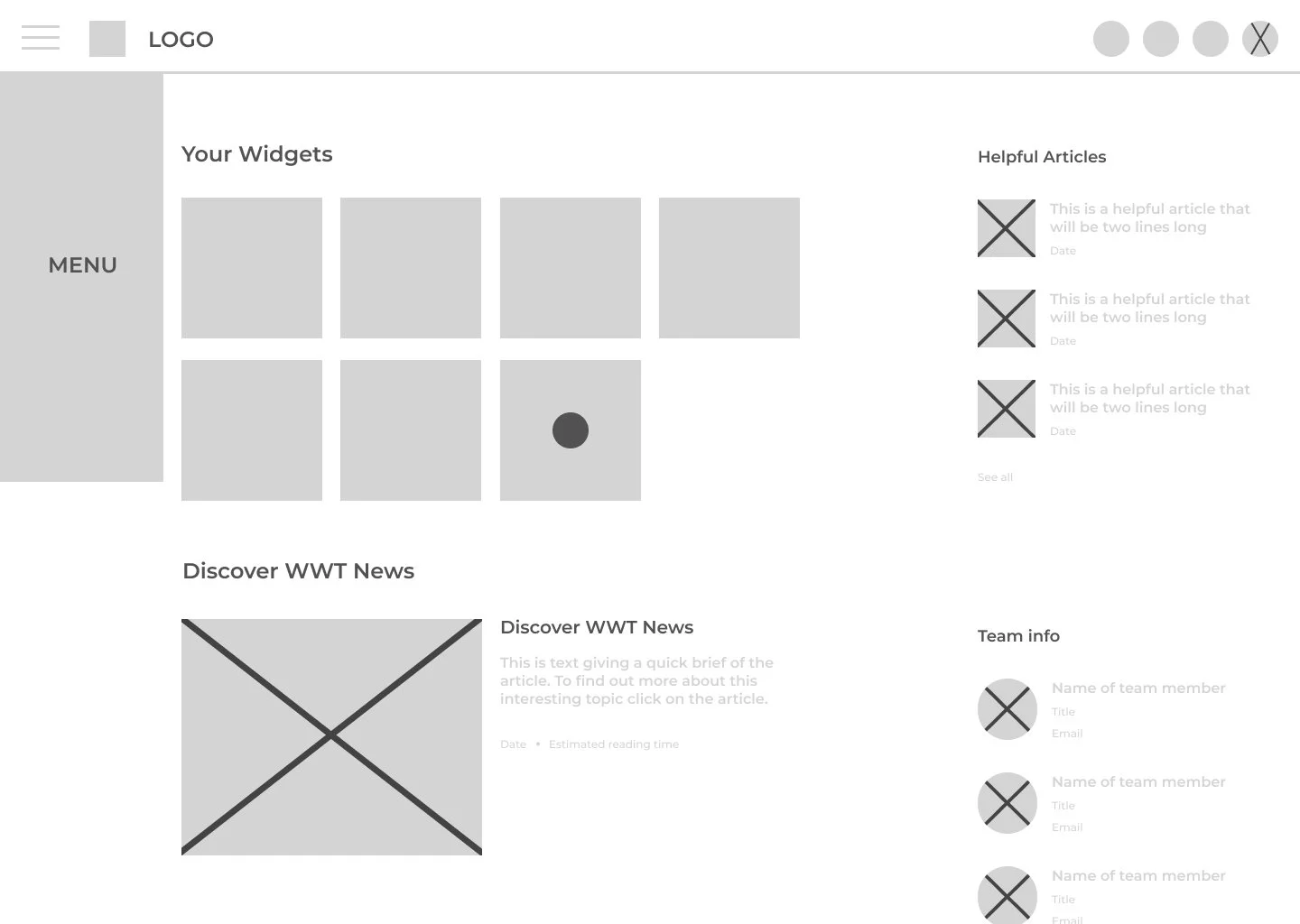
The design for Together prioritizes user experience by aligning with WWT's existing design language, ensuring consistency across applications. Additionally, I incorporated newer design assets to create a clean and intuitive layout.
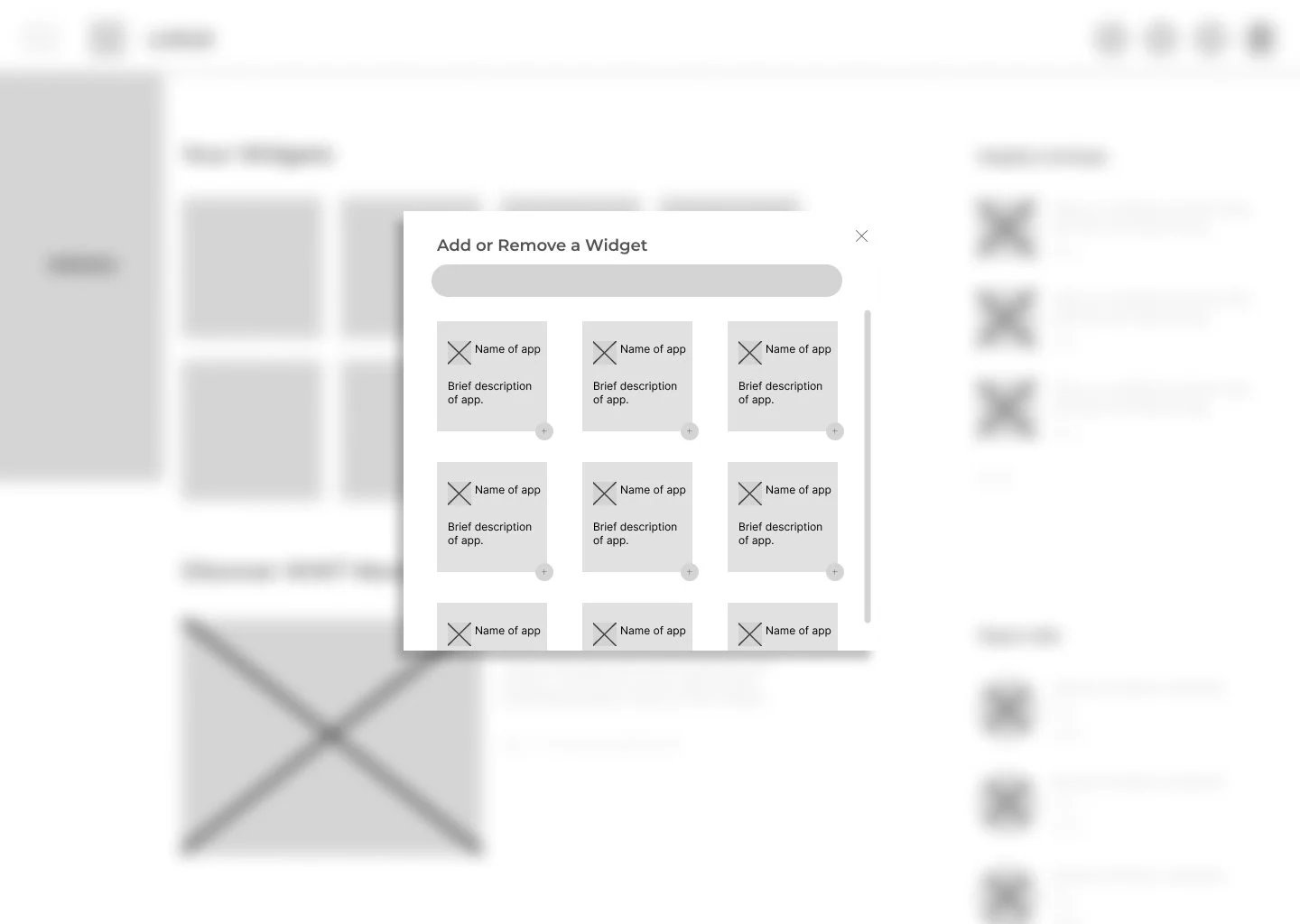
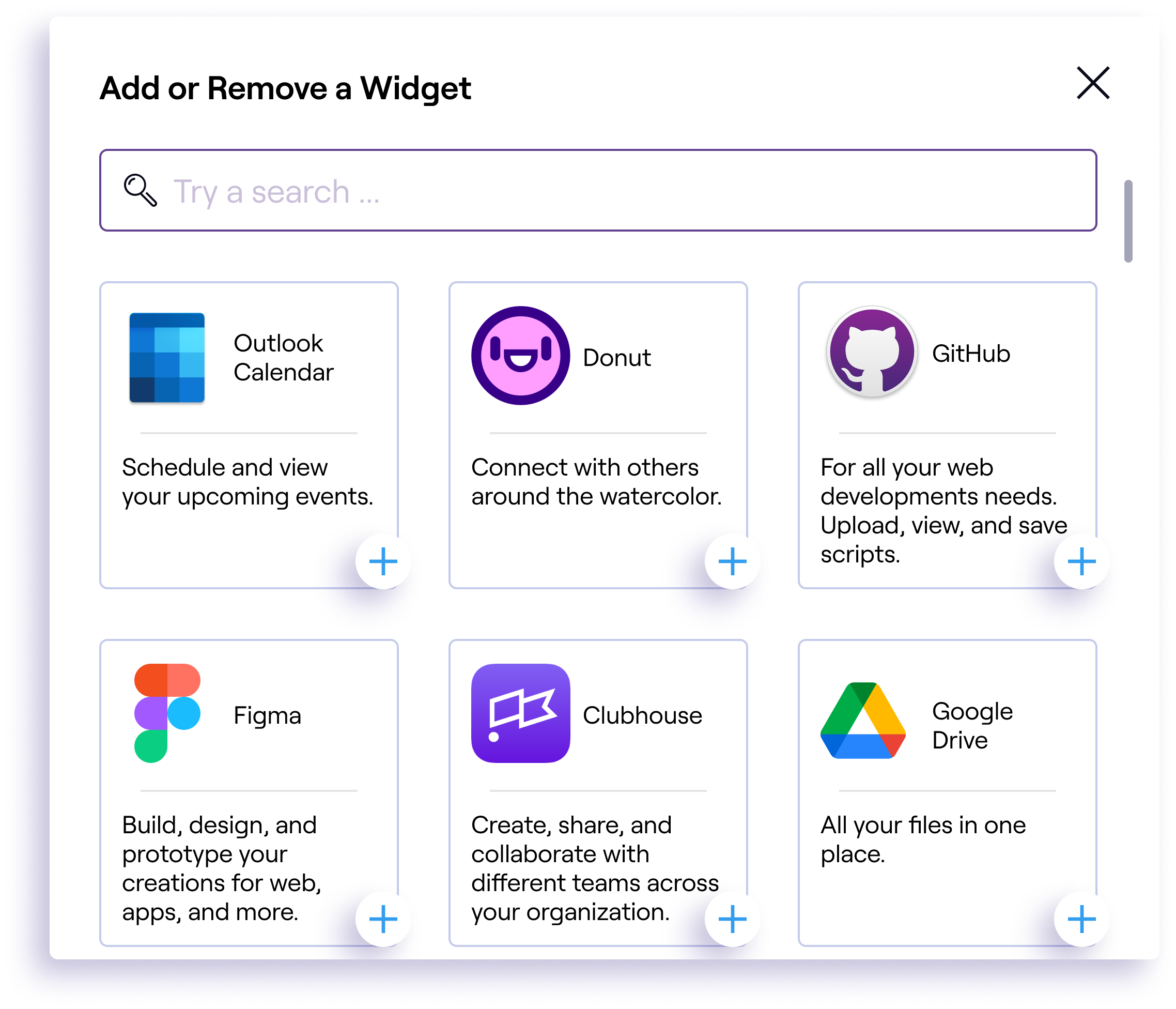
Choose from a variety of app widgets that suit the user's needs
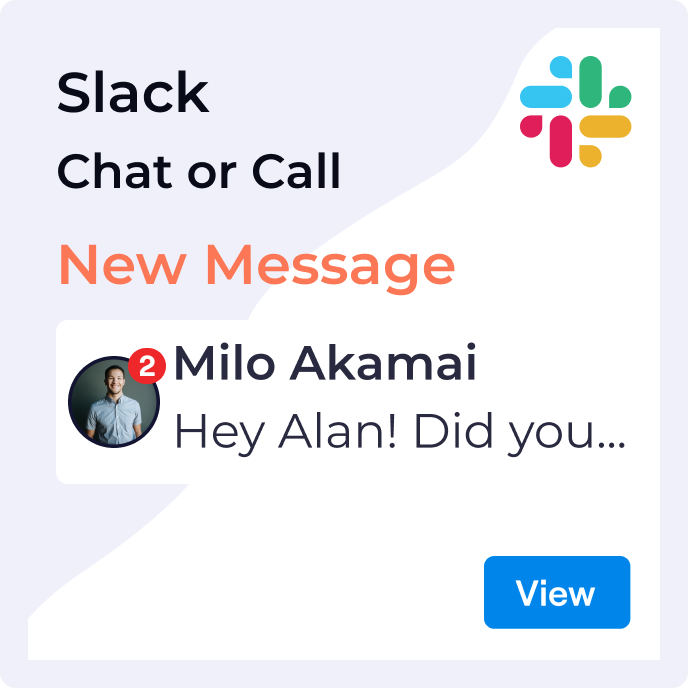
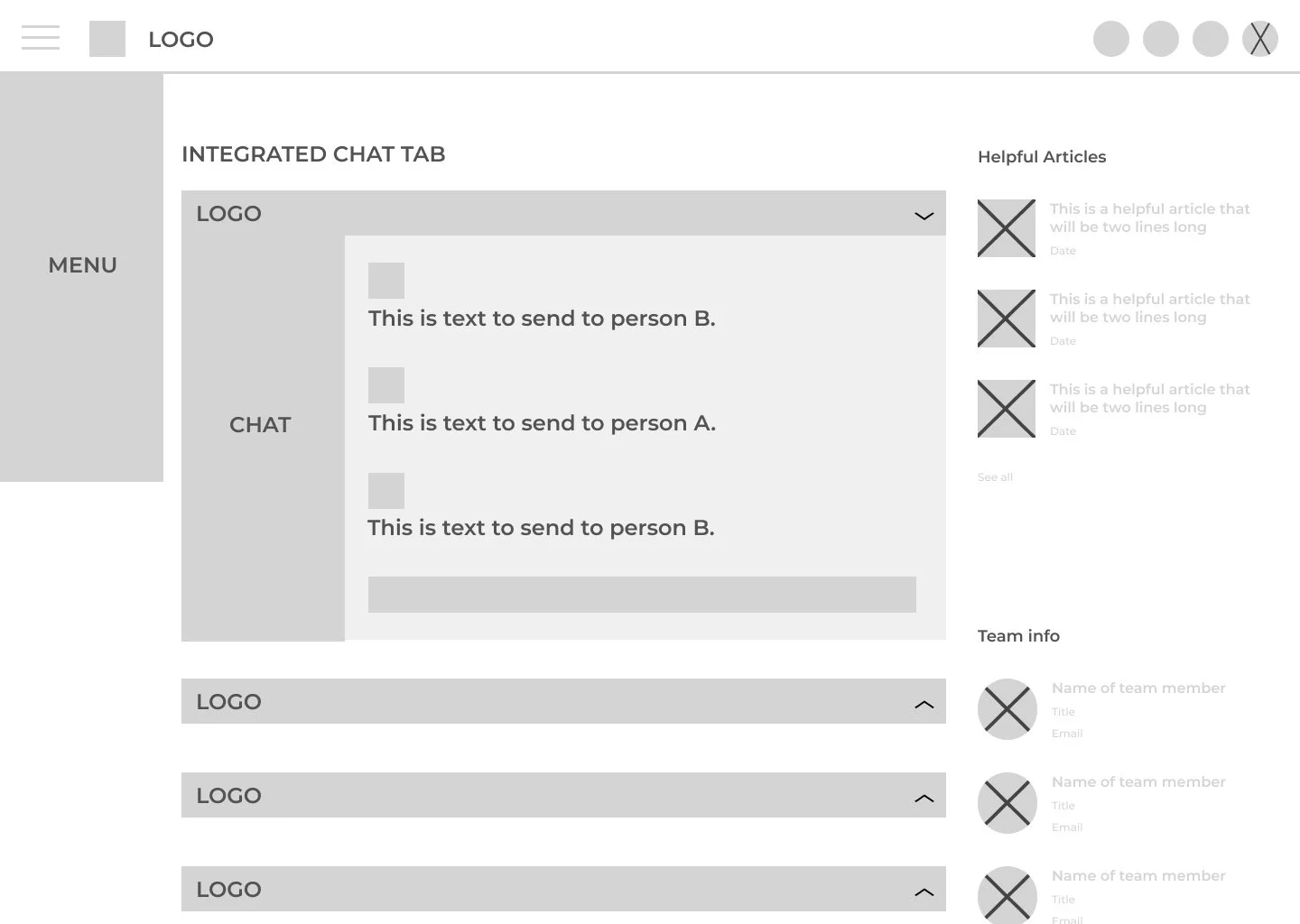
Send and receive chats from the Messages tab in the app nav menu
LIVE-CAPTIONING
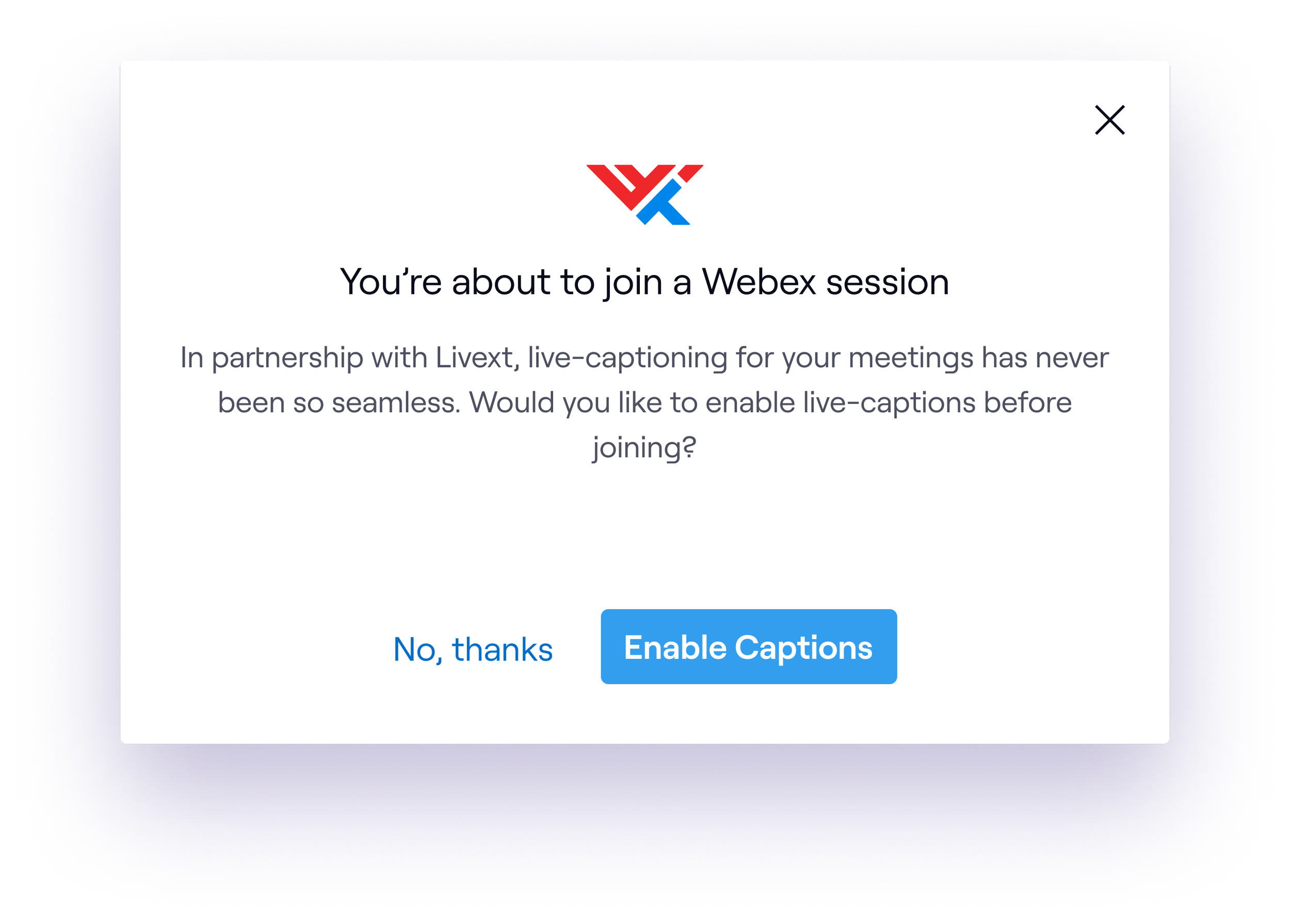
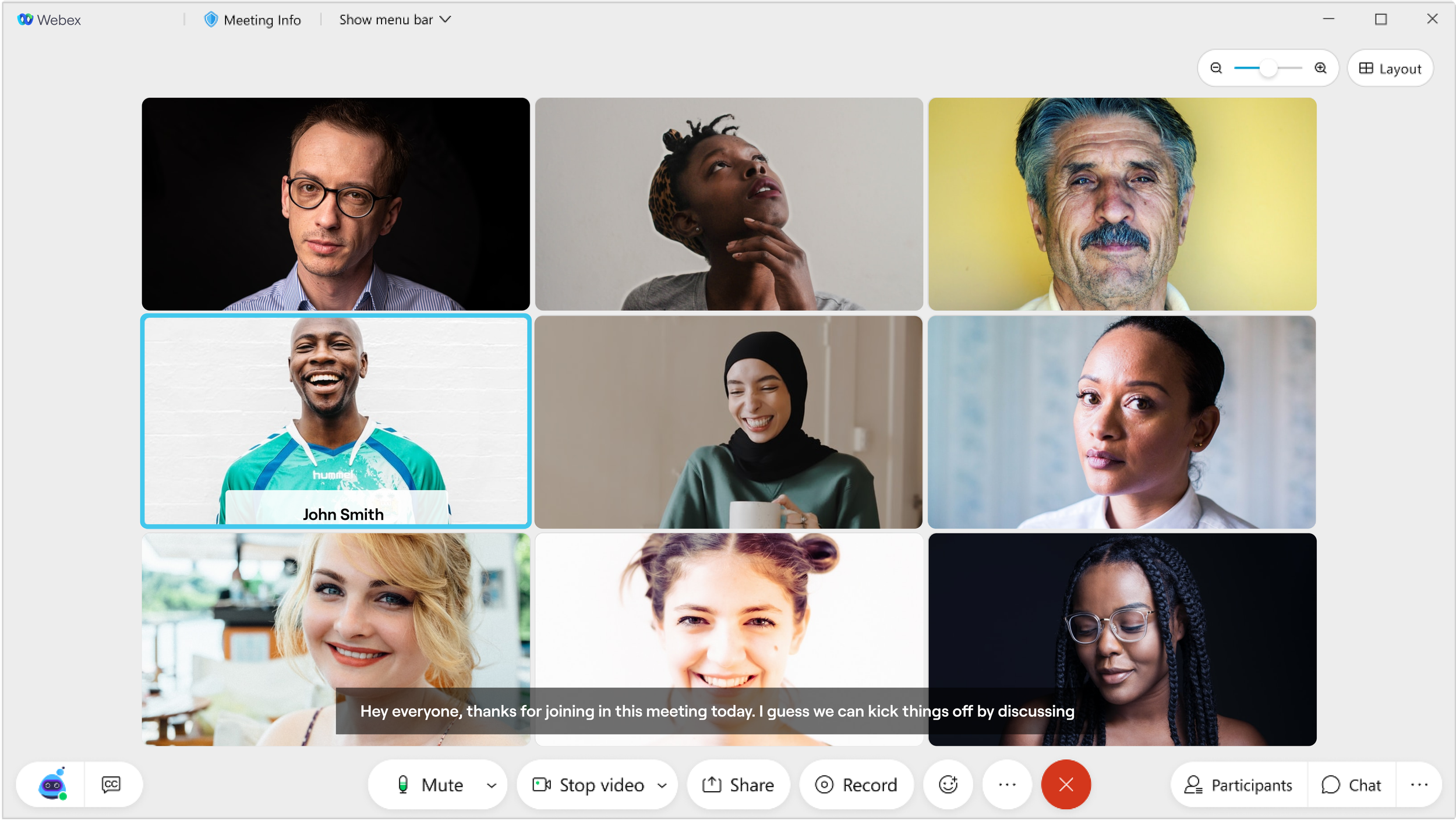
We identified a gap in accessibility for users with hearing impairments. Currently, live captions are not always available during meetings, with transcripts only accessible afterward. For users with permanent, temporary, or situational hearing loss, real-time communication access is crucial. Effective communication is essential within the workplace. By offering live captions, we're fostering inclusivity and empowering employees of all abilities.
INTERACTIONS
Our design of the Together app prioritized user experience through intuitive interactions. We focused on user navigation within the tab menus, ensuring clarity and ease when adding new widgets. Visual design plays a crucial role, as well, and designed the app's appearance to use clear cues to guide users through actions. Additionally, accessibility was always at the forefront when working on Together. Users can interact with the interface using a mouse, keyboard, finger, or stylus, and clear, appropriately sized interface elements guarantee a seamless experience regardless of the device being used.
CONCLUSION
I learned a lot during this project that helped me to better understand hierarchy, layout, and accessibility to meet the needs of WWT employees. There are some things that I would have changed, such as not being able to do unmoderated or moderated studies. I think I missed out on receiving valuable input that could have informed the overall design of Together.
Operating off of secondary research is beneficial to an extent and because I was pressed for time I decided to go with what studies were already out there and tailor them to the project task.
I also would have wanted to build out the platform more into different areas on what other applications would be considered beneficial that weren't already in place. What would be different avenues to that would improve user experience? These are some items that I wish could have been explored more but, the work that I was able to accomplish was incredibly beneficial and look forward to applying more of a deep dives into future projects.